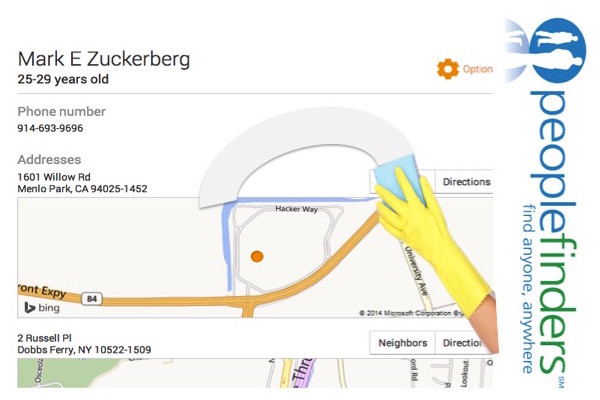
Remove Personal Information from the Internet (Spokeo)
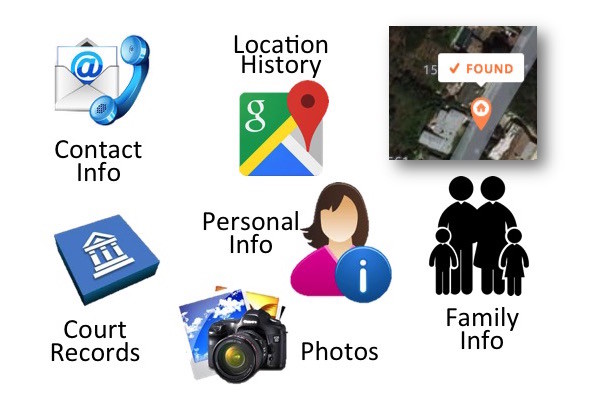
I typed names into Spokeo today and to put it mildly, I freaked out when I retrieved all sorts of personal information from the Internet! Our lives have become publicly open books but what upset me most was finding the personal information of children too! Spokeo does not initiate or create the information. It is a people search engine that aggregates white-pages listings and public records and then makes it available in one place. My free search revealed a substantial amount of personal information. For a small fee, Spokeo will provide even more.
There is a “good news, bad news” scenario here. The bad news is those that know how to search efficiently on the internet are likely to to find personal information one way or another. The good news is that it’s easy to opt out and to remove your profile and the profile of others so the results are not easily accessible in one place on Spokeo. First let me show you how to see what’s available on Spokeo. Then I’ll show you how to remove it.
** This article was updated on March 10th, 2015 and November 11, 2019.
- Go to Spokeo.com (Click the link to open a new window. You can toggle back and forth from the new window to this window to follow the directions).
- Inhale deeply and remind yourself not to panic.
- Do multiple searches on your personal information to see what information is publicly available. You will need to narrow down your search by location and if you’ve lived at multiple addresses, make sure you do this for each one.
- Name
- Phone
- Username
- Address
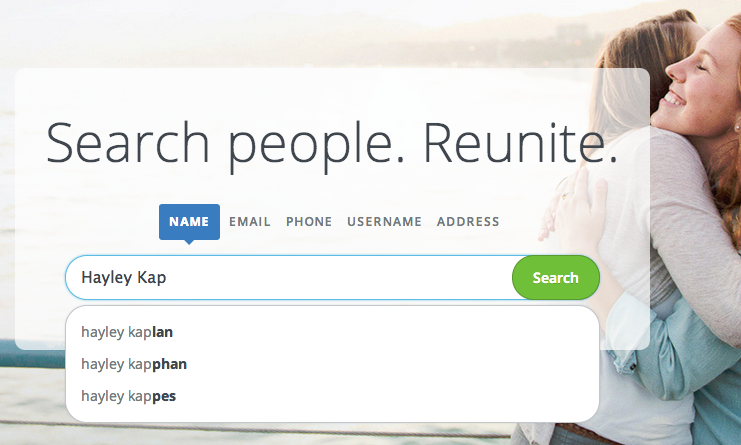
Enter your name in the search bar
I’ll admit, I panicked and hyperventilated when I saw the vast amount of personal family information that came from my searches! But you’ve been warned, so hang in there for a few more steps. Now that you know what’s out there, you can remove it from Spokeo. Here’s how:
1. Go back to Spokeo.com (Click the link. It will open in another window so you can go back and forth between Spokeo and this article).
2. Enter the name you want to search.
3. Find the correct person by selecting the correct location and then by clicking “SEE RESULTS” on any listing that appears to be you. (You will need to repeat the steps in the tutorial for each result you locate that belongs to you.)
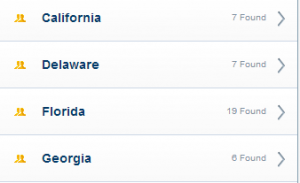
Find yourself by location
4. Copy the URL (see diagram below) (Enter Control C but do not paste yet)
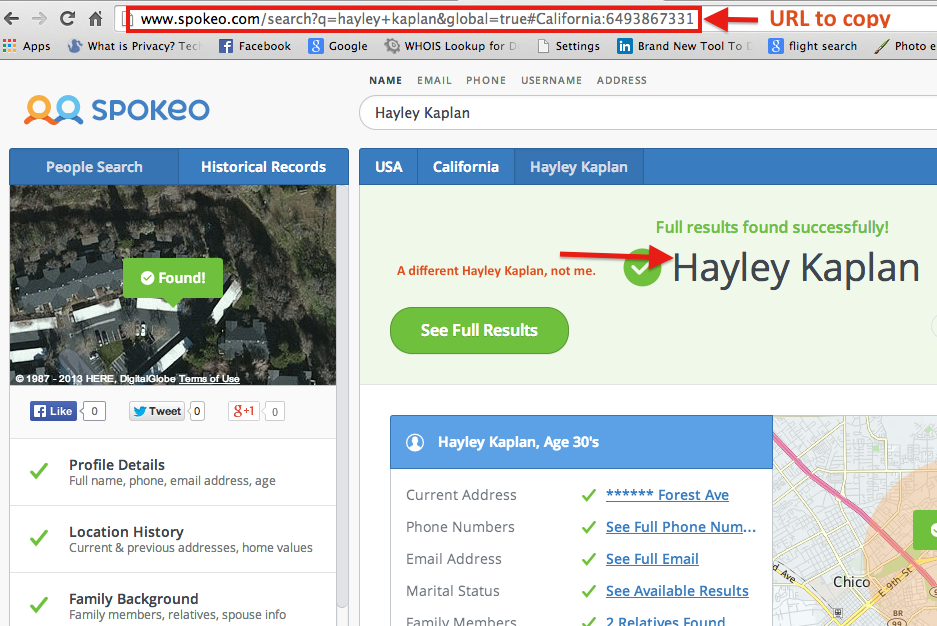
Copy the URL you want to remove
5. Click here to get to the opt out form.
6. Paste the URL in the URL field. (see diagram below) (Control V)
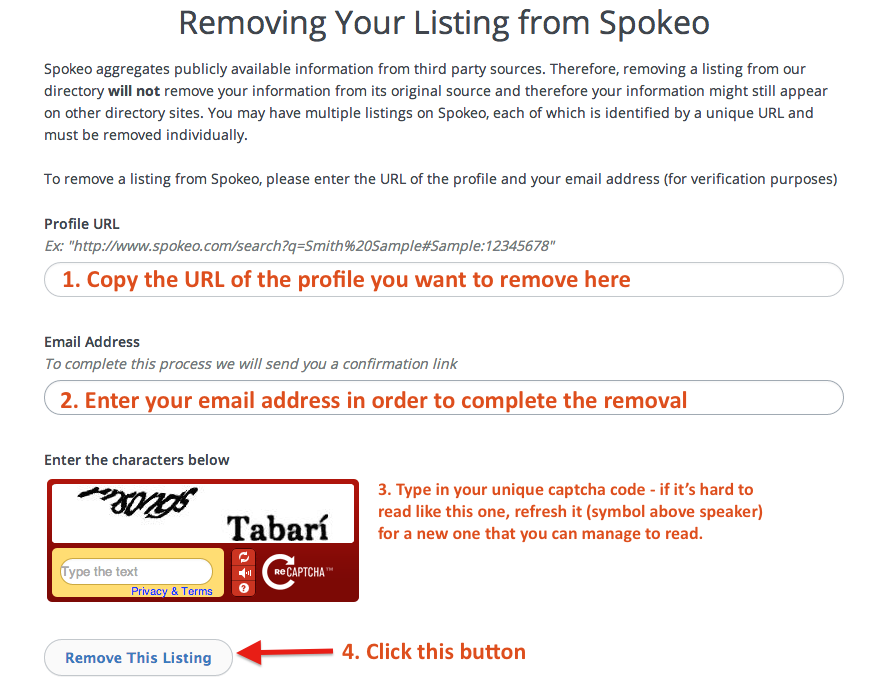
Paste the URL of the profile you want to remove
7. Enter your email address followed by the captcha code and then click “Remove This Listing”
8. Check your email for an email from Spokeo.
9. To complete the removal process, click on the link in the email.
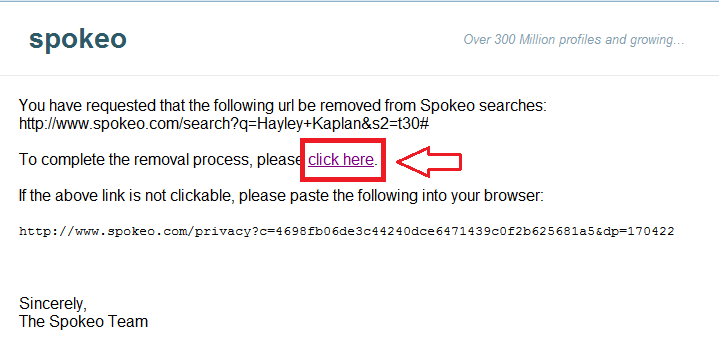
Finalize the profile removal by clicking on the email link
10. For peace of mind, type the name again and verify it is gone. (Worked for me)
11. Take a sigh of relief.
12. Repeat for each profile you wish to remove. Don’t forget to test the other fields as well (email, address, username and phone) and then remove those profiles too, if necessary.
I wish I could tell you this removed your information from the Internet, but it doesn’t. It only removes it from Spokeo which is a good start, right? Please let me know if you have any questions and if you don’t mind sharing, it would be interesting to hear your experiences during this process in a comment following this article.
To remove more of your online personal information, click here for additional OPT OUT tutorials. (and if you want your information removed but don’t want to do it yourself, please reach out for pricing from me.)
Until next time,… Stay Cyber Safe!
** Updated on March 10th, 2015 and November 11th, 2019**
If you want your information removed from multiple directories but you don’t want to do it yourself, click “GET QUOTE” below to schedule a free phone consultation.